⚡ How to Optimize React Application Performance?
Everything works fine initially, but as the application grows, pages become slower and interactions feel less responsive.
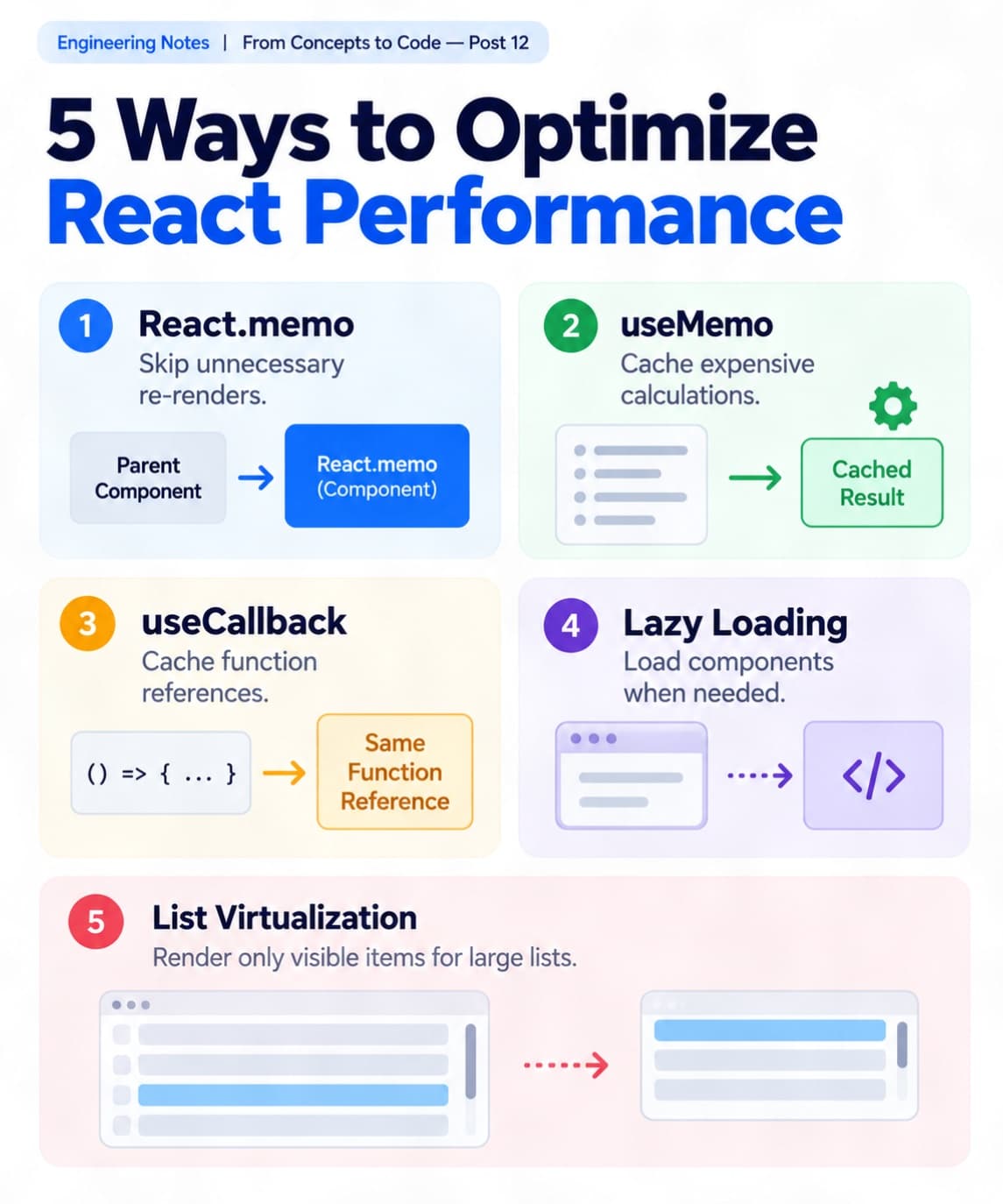
ᅠ 📘 Engineering Notes | From Concepts to Code — Post 12 ᅠ Imagine building an e-commerce application using React.
Everything works fine initially, but as the application grows, pages become slower and interactions feel less responsive.
Why does this happen? 🤔
One possible reason is unnecessary rendering and expensive operations.
Let's explore 5 ways to improve React performance! 👇 ᅠ 1️⃣ Avoid Unnecessary Re-Renders 🔄
React components can re-render when their state or parent changes.
React.memo can help skip re-renders when component props remain unchanged.
Example:
const ProductCard = React.memo(function ProductCard({ product }) { return <h3>{product.name}</h3>; });
✅ Useful for components that render frequently with unchanged props. ᅠ 2️⃣ Use useMemo for Expensive Calculations 🧠
Imagine filtering thousands of products.
Without optimization, filtering may run again during unrelated re-renders.
Example:
const filteredProducts = useMemo( () => products.filter(p => p.price < 100), [products] );
useMemo caches the calculated result until its dependencies change.
✅ Helpful when calculations are expensive. ᅠ 3️⃣ Use useCallback When Needed 🎯
useCallback caches a function reference between renders.
This can help memoized child components avoid unnecessary re-renders when receiving function props.
💡 Not every function needs useCallback. ᅠ 4️⃣ Use Lazy Loading 📦
Instead of loading all component code immediately, we can load certain components when needed.
Example:
const Dashboard = React.lazy(() => import('./Dashboard'));
✅ Reduces initial JavaScript loading ✅ Useful for large application sections ✅ Helps improve initial load performance ᅠ 5️⃣ Optimize Large Lists 📊
Rendering thousands of items at once can slow down the interface.
List virtualization renders only the items needed for the visible area.
✅ Less DOM work ✅ Smoother scrolling ✅ Better performance with large lists ᅠ 💡 My Key Takeaway
React performance isn't about adding useMemo or useCallback everywhere.
It's about identifying actual bottlenecks and applying the right optimization.
Tools like React DevTools Profiler help us measure performance before making changes.
🚀 Measure first. Optimize what matters. ᅠ 💬 Which React performance optimization technique do you use most often? ᅠ #ReactJS #WebPerformance #SoftwareEngineering #FrontendDevelopment #JavaScript